
Website Maintenance Services: Why Your Site Needs Them
Why website maintenance matters: protect your site from hacks, plugin conflicts and downtime with regular updates, backups and security checks.
Quick answer: Website maintenance is the regular work of updating software, monitoring security, taking backups and fixing small problems before they become big ones. Without it, a site becomes slower, easier to hack and more likely to break. A maintenance plan is usually far cheaper than recovering from a hacked or crashed website.
Imagine this. You launch a new website, it looks great, and you get busy running your business. Eight months later, a customer tells you your contact form isn't working. You log in and find a pile of outdated plugins, an expired security certificate and no backup anywhere. Nobody did anything wrong. Nobody did anything at all, and that's the problem.
A website isn't a poster you print once. It's closer to a shop. It needs someone to open the doors, check the locks and sweep the floor. Here's why that matters and what it actually involves.
What is website maintenance?
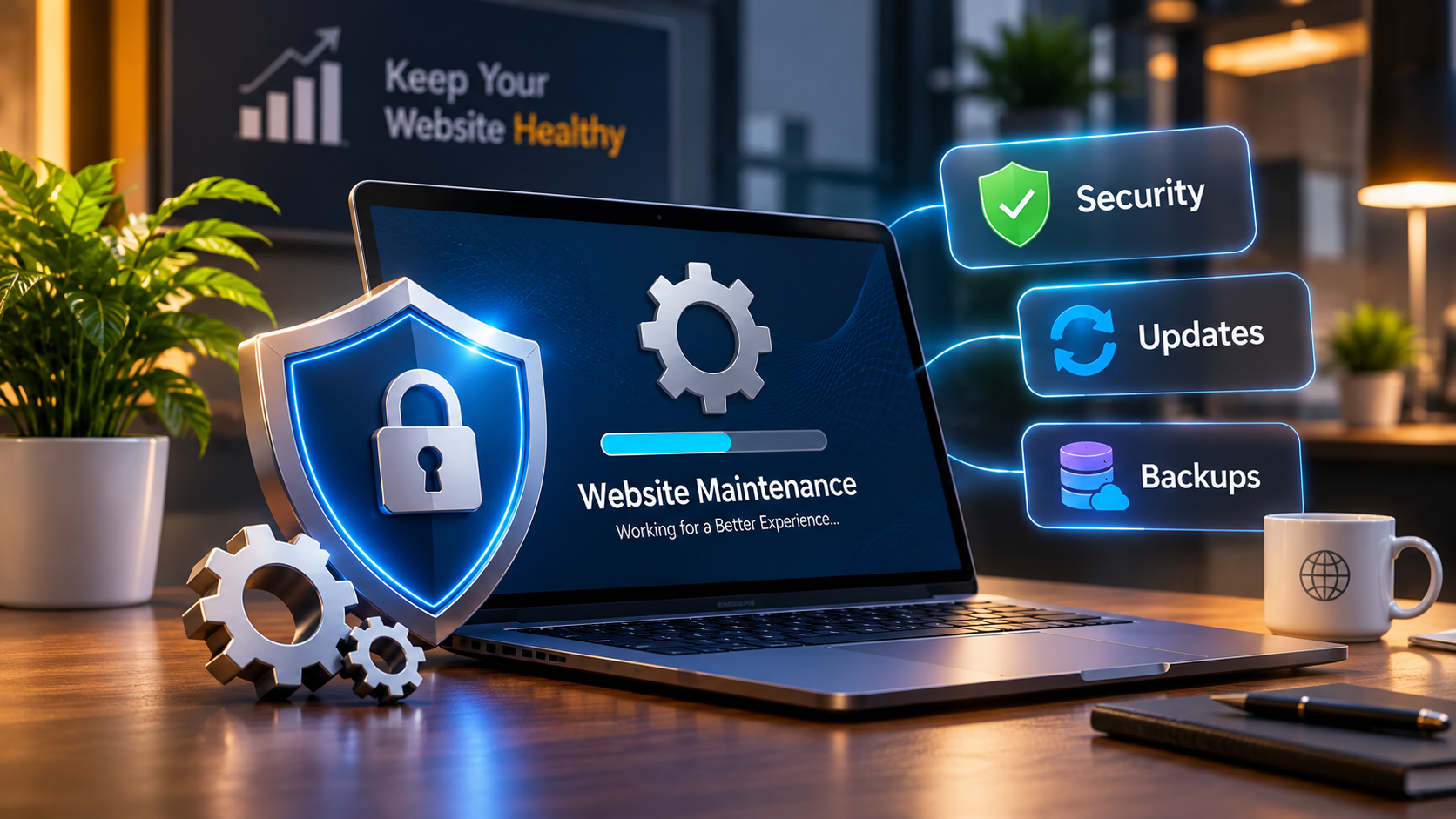
Website maintenance is the ongoing care of your site after launch. It covers three big areas:
- Updates: keeping your CMS (such as WordPress), themes, plugins and server software current
- Security: scanning for malware, blocking suspicious activity and fixing vulnerabilities
- Backups: saving copies of your site so you can restore it quickly if something goes wrong
What happens if you don't maintain your website?
Nothing dramatic happens on day one, which is why it's so easy to ignore. The risks build up quietly.
You get hacked. Outdated plugins and themes are one of the most common ways attackers get into websites, especially on popular platforms like WordPress. Attackers use automated tools that look for known weaknesses, so small and unknown sites get targeted too.
Plugins clash and things break. When you update one plugin but not the others, or update WordPress without checking compatibility, parts of your site can stop working. A checkout button, a menu or a whole page layout can disappear.
Your site goes down. Expired certificates, full storage, server problems or a bad update can take your site offline. Every hour of downtime can mean missed enquiries and sales.
You lose data. If something goes wrong and you don't have a recent backup, you may lose orders, blog posts, form entries and design work. Sometimes there's no way to get them back.
Your site slows down. Bloated databases, old plugins and unoptimised images pile up over time. Speed affects both visitors and rankings, as we explain in how a fast website improves Google ranking and user experience.
Google and visitors lose trust. A hacked site can show browser warnings or get flagged by search engines, and recovering your reputation takes much longer than the hack itself.
What does a website maintenance plan include?
Plans differ between providers, but a good one typically covers:
- Regular updates for the CMS, themes and plugins, tested before they go live
- Scheduled backups, stored away from your main server
- Malware scans and security monitoring
- Uptime monitoring, so you know about downtime quickly
- Performance checks and basic speed fixes
- Checks for broken links, forms and SSL certificates
- Small content or design changes
- Support when something goes wrong
We offer these through our website maintenance services, so you don't have to track any of it yourself.
How often does a website need maintenance?
Here's a rough guide. The right schedule depends on your site's size and how much it changes.
Busy online stores and sites that collect customer data need the tighter end of that range.
Can you maintain your website yourself?
Yes, if your site is small and you're comfortable logging in, updating plugins and checking backups. Plenty of people do it fine.
It gets harder when your site is business-critical, runs on custom code, takes payments or stores customer information. One wrong update can break the site, and you'd need to know how to fix it. That's usually when a maintenance plan pays for itself: someone else watches the site, so you can focus on running the business.
How much does website maintenance cost?
It depends on the size of your site, the platform, how often it's updated and how much support you need. A small brochure site needs far less than a busy online store. Rather than guess a number here, we suggest comparing it with the cost of the alternative: cleaning up a hacked site, recovering lost data and losing business while it's offline. Prevention is almost always cheaper. Contact us and we'll recommend a plan that fits your site.
How to choose a website maintenance provider
A few things to look for:
A clear list of what's included. Vague promises like "full care" aren't enough.
Backups stored off-site. Backups on the same server as your site don't help if that server fails.
Testing before updates. Updates should be tried on a copy first, not pushed straight to your live site.
Fast response times. Ask what happens, and how quickly, if your site goes down.
Security expertise. Maintenance and security go together. See our cybersecurity development work for how we approach it.
About Sortiq Solutions
We're an ISO 9001:2015 certified IT company in Mohali, near Chandigarh. We build websites on WordPress and other platforms, and we look after them once they're live. Take a look at our case studies to see how we work with clients.
Frequently Asked Questions
1. Why is website maintenance important?
Maintenance keeps your site secure, fast and working. Regular updates close security gaps, backups protect your data, and monitoring catches problems before your visitors do.
2. How often should a website be updated?
Check for updates at least monthly, and weekly for busy or e-commerce sites. Security updates should be applied as soon as they're tested and safe to install.
3. What happens if I don't update my WordPress plugins?
Outdated plugins can have known security holes that attackers use to get in. They can also stop working properly with newer versions of WordPress, causing errors or broken features.
4. Do I need website backups if my host already does them?
Yes. Host backups can be limited, infrequent or hard to restore. It's safer to also keep your own regular backups, stored somewhere separate from your hosting.
5. Is website maintenance a one-time job?
No. Software, security threats and browsers keep changing, so maintenance is ongoing. A one-time cleanup can fix a problem, but regular care stops it coming back.
Want someone to look after your website?
If you'd rather spend your time on your business than on plugin updates, we can help. Take a look at our website maintenance services or talk to Sortiq Solutions about a plan for your site.